Multi-format CAD input
Start from real 3D geometry with support for mainstream CAD exchange formats and structural understanding.
CAD COMMERCE STUDIO
Input STEP, IGES, and other CAD formats. The system understands product geometry and produces consistent product imagery and landing pages ready to publish.
Explore live demosRead CAD geometry
Create product visuals
Compose sales pages
Start from real 3D geometry with support for mainstream CAD exchange formats and structural understanding.
Create hero, clean, detail, contextual, and campaign visuals while preserving shape and visual consistency.
Turn product value, generated visuals, and conversion actions into a complete deliverable sales page.
LIVE DEMONSTRATIONS
Switch between two cases. Explore the STEP model on the left, then drag through the product visuals and landing page generated from that file on the right.
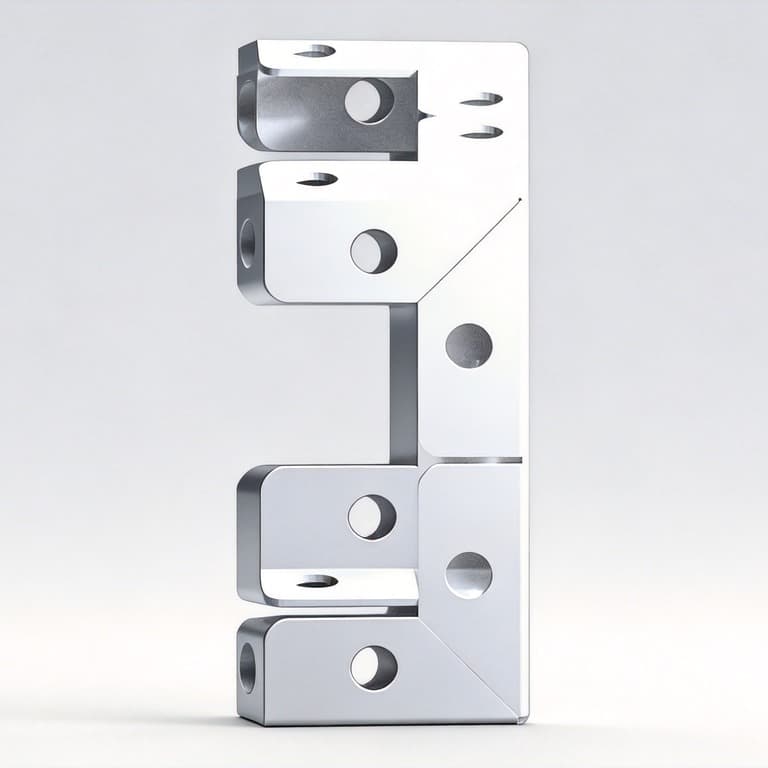
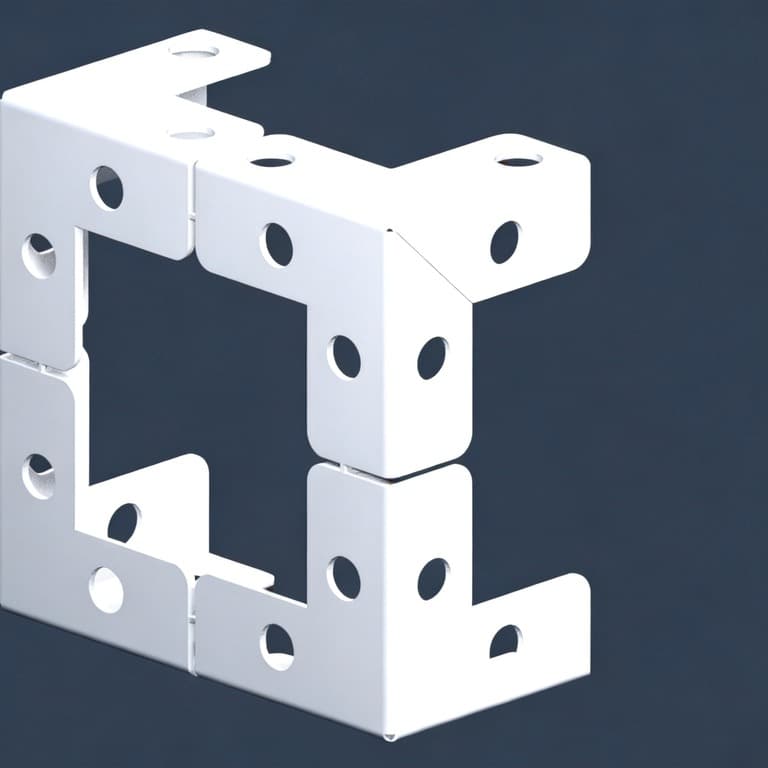
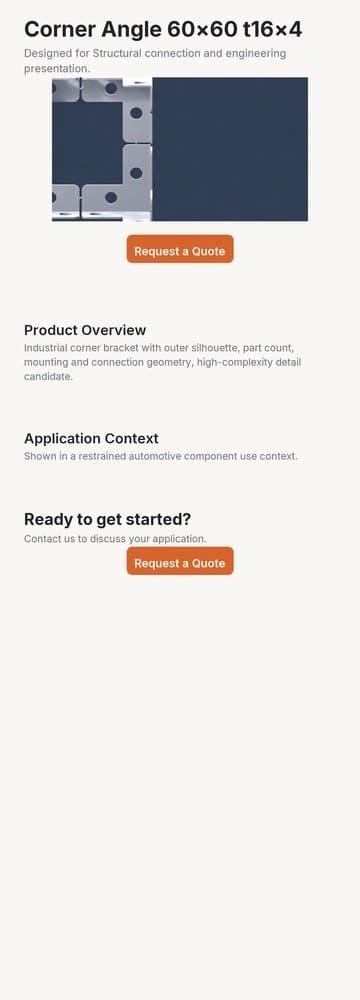
A complex, multi-part STEP model transformed into a coherent set of commerce-ready visuals.
Source CAD
CornerAngle6060t16x4.stp
Parsing STEP geometry…
Generated output
6 product visuals · 1 landing page
Drag or swipe to browse every output




If you work with CAD libraries, industrial product content, or high-volume marketing production, we can validate the full workflow using your own samples.
Talk to us